Is Your Azure Bill Growing Faster Than Your Business?
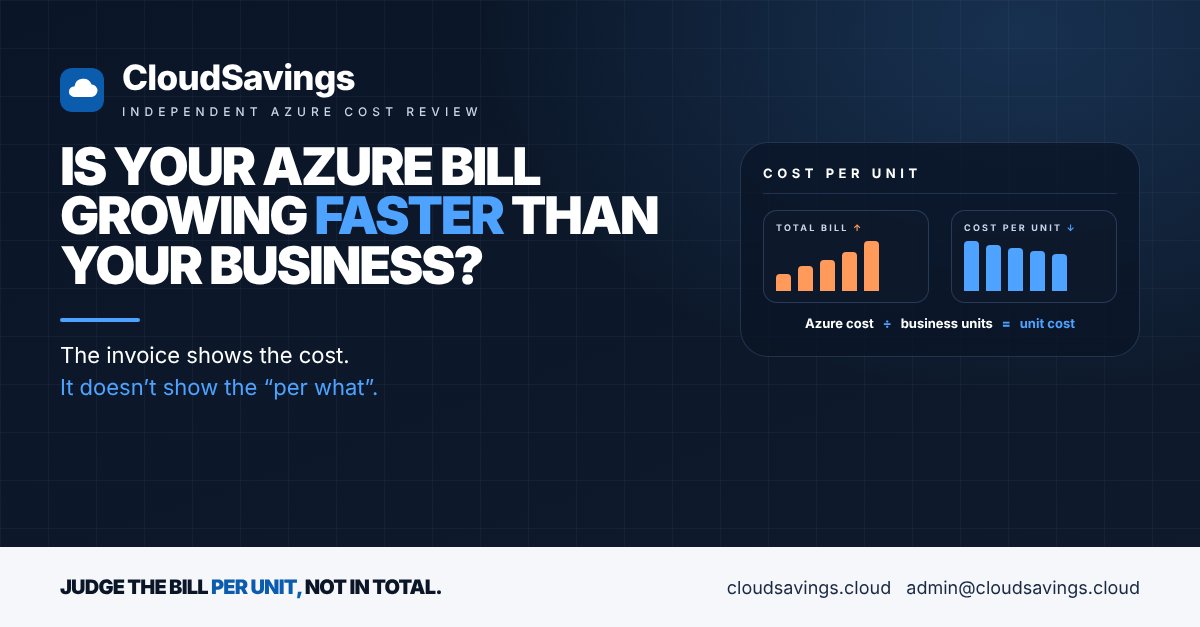
Your Azure invoice went up 30% this year. Is that bad news?
On its own, nobody can say. If the business grew 40% over the same period, a 30% rise means each customer, order or case is now cheaper to serve. If the business grew 5%, something is leaking. The invoice gives you the cost. It doesn't give you the "per what".
In most estates we review, the monthly cost conversation stops at the total. Finance asks why it went up, IT explains a few line items, and everyone moves on until next month. Without a unit cost, a growing bill is always a problem to defend, even when it's a sign the business is doing well.
A simple example
Say your Azure bill was $40,000 a month and the platform served 2,000 customers. That's $20 per customer per month.
A year later the bill is $52,000 and you serve 2,800 customers. The total is up 30%, but the cost per customer has dropped to about $18.57. That's a very different story to take to the CFO, and it's one you can only tell if someone tracks both numbers.
Run the same sums with 2,100 customers and the cost per customer rises to almost $25. Same invoice, opposite conclusion.
Why it happens
The FinOps Foundation describes unit economics as pairing spend with a measure of value, so that a change in cost can be read as growth, efficiency or a cost driver running away. It sits in the Framework's Quantify Business Value domain. Most organisations never get there, for four reasons.
The bill has no denominator. Azure Cost Management tells you what you spent by subscription, resource group, service and tag. It doesn't know how many orders you processed, users you served or claims you handled. That number lives in your applications, CRM or finance system, and someone has to bring the two together.
Costs aren't mapped to products. A unit cost needs to know which spend belongs to which product or service. If tags are patchy, or several products share one subscription, there's nothing reliable to divide.
Shared platforms blur the picture. Hub networks, firewalls, monitoring and identity serve everything. Microsoft's own guidance on unit economics suggests splitting shared costs by measured use where you can, or treating them as overhead to reduce separately. Many teams do neither, so the shared bill sits in a pile nobody owns.
People start too big. Fully loaded cost to serve, including licences, people and on-premises costs, is the end state. Trying to build that first usually stalls. The Framework's own maturity guide starts with one simple metric on direct cloud cost.
What to check
- ✔️ The unit: Has anyone agreed what "one unit" is for each major product, such as a customer, an order, a case or an active user?
- ✔️ The count: Is there a reliable monthly number for that unit, from a system the business already trusts?
- ✔️ Cost mapping: Can you attribute Azure spend to each product through subscriptions, resource groups or enforced tags?
- ✔️ Tag inheritance: Is it switched on, so subscription and resource group tags flow into the cost data for resources that don't carry their own?
- ✔️ Shared costs: Are hub networking, security and monitoring split across products with an agreed method, or left as one unallocated line?
- ✔️ Commitment discounts: Are reservation and savings plan savings reflected in each product's cost, or does one central team keep the benefit?
- ✔️ The trend: Does anyone look at cost per unit month on month, alongside the total?
On shared costs: Azure's cost allocation rules can split a shared subscription's costs across others evenly, by their share of total, compute, storage or network cost, or by fixed percentages. They're available on Enterprise Agreement and Microsoft Customer Agreement accounts, don't change the invoice, and don't cover purchases such as reservations and savings plans. Treat them as a reporting view, not a billing change.
How to check your own estate
These steps are read-only. You need Reader access to the subscriptions and Cost Management Reader at the billing scope.
- In the Azure portal, open Cost Management > Cost analysis at the highest scope you can, such as a management group or billing account.
- Set the view to the last 12 months, monthly granularity, and switch the cost view to Amortized cost so reservation and savings plan purchases are spread across the resources that used them.
- Group by Tag using your product or application tag. Note how much spend lands under "untagged". That is spend no unit cost can include yet.
- In Cost Management, open Settings for your billing account (or subscription) and check whether Tag inheritance is enabled.
- In the same settings, open Cost allocation and check whether any rules exist and what they split.
- Pick one product. Ask its business owner for the monthly count of its main unit for the same 12 months. Divide that product's monthly Azure cost by the count and plot it.
If the line is flat or falling while the bill rises, you have a growth story. If it's rising, you have a question to ask, and now you know which product to ask about.
Unit economics turns the Azure bill from a cost to defend into a measure of value, which is exactly what the FinOps Unit Economics capability is for.
Sources
- FinOps Framework: Unit Economics (FinOps Foundation)
- FinOps Framework overview (FinOps Foundation)
- Unit economics (Microsoft Learn, FinOps)
- Introduction to cost allocation (Microsoft Learn)
- Create and manage cost allocation rules (Microsoft Learn)
- Group and allocate costs using tag inheritance (Microsoft Learn)
An independent view of your Azure spend. I sell no licences, managed services or remediation, so my findings have nothing attached to them.
Book a 30-minute call